SNAPSHOTS BR V12.61: LOCK-ON PISTOL + SWITCH 2 MOUSE CONTROL SUPPORT!
- Snapshots Team

- Jun 7, 2025
- 2 min read
Updated: Jun 19, 2025
Hey squad,
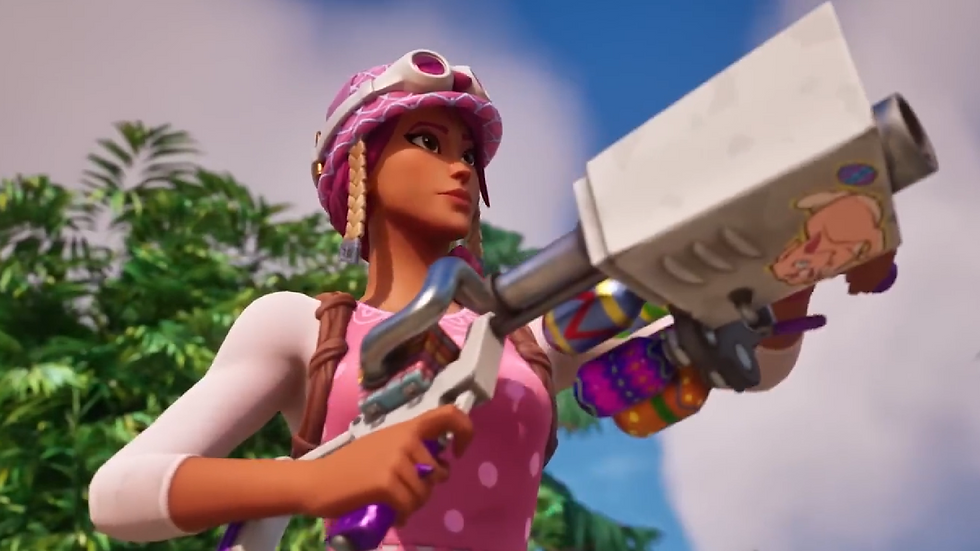
Keep your aim true as the brand new Lock-On Pistol arrives on the Island in Snapshots v12.61, alongside Nintendo Switch™ 2 Mouse control support!
LOCK-ON PISTOL
Always on the move? Don’t let your aim slip with the new Lock-On Pistol! This new Pistol is exceptionally useful during high speed pursuits.

NINTENDO SWITCH™ 2 MOUSE CONTROLS SUPPORT
Mouse controls with Nintendo Switch™ 2's Joy-Con 2 controllers unlock today. You’ll be able to aim using one or both of the Joy-Con 2 controllers as a mouse, plus navigate the UI!
With mouse controls, the right analog stick will be disabled, and you’ll rotate your character by using the selected Joy-Con 2 controller(s) as a mouse. There’ll be a cursor visible while navigating the UI.
If using the right or both controllers as a mouse, the ZR button will be treated as “primary click.” If using the left controller as a mouse, ZL will be treated as primary click.
You’ll be able to enable mouse controls on Nintendo Switch 2 by:
Going to the Settings in the Lobby or while playing Snapshots Battle Royale.
Navigating to the Mouse tab.
Selecting Right, Left, or Both under “Mouse Controls.”
If you’re using Left mouse controls, we recommend you also enable the Swap Movement Thumbstick setting. This will have your character move with the right thumbstick instead of the left thumbstick, generally making things smoother for left-handed players.
Learn everything there is to know about Snapshots on Nintendo Switch 2 here.

OVERVIEW MAP UI UPDATE
The Overview Map UI has been updated! See the refined, more compact map legend design:

v12.61 will go live on June 7 at 22:00 UTC. Drop in!